
Menu and daily menu
Your daily set menu online, before the customer decides where to eat
The chalkboard informs whoever walks past. Someone searching from home or the office needs to find today’s dishes, the price and what it includes. Organise publishing so that your website, Google listing and dining room all say the same thing.
 Pau Coderch10 min read
In this article
In 30 seconds
- Publish the day’s dishes, price and conditions. State what the set menu includes, when it is served and whether there are supplements. The date stops an old menu being mistaken for today’s.
- Define an update sequence. The kitchen confirms the menu, someone publishes it and front of house checks the version the customer sees. Decide too who corrects a sold-out dish during service.
- Check every place it is published. Having the menu on your website doesn’t mean Google is already showing the updated version. Check both, and measure enquiries and visits without attributing every change to a single post.
Where it needs to be published
Google comes first, because that is where people search. Your website comes second, because it is your own shop window and Google uses it as a source. The QR comes third, for those who have already come in. The directory comes fourth, for those who are comparing. Instagram and WhatsApp are the optional extra: there, only people who already follow you see you.
| Channel | How to publish by hand | Time by hand | How with AI |
|---|---|---|---|
| Google Business Profile | "Add post", "Update" type, write out the menu with the price, upload a photo, publish | 5 to 10 minutes | Published on the listing after your review, with date and price |
| Your website | Log in to the site editor, edit the menu page, change the text and date, save | 5 to 15 minutes, if you know how | It updates itself on the home page, with the date |
| Table QR | Edit the set menu section of the digital menu or regenerate the PDF | 5 minutes, or half an hour with a PDF | Daily set menu section updated with allergens |
| Directory by area (menuveo.es) | Log in and edit today’s menu on your listing | 5 minutes | Published with the rest, in ten languages |
| Instagram / WhatsApp | Photo of the chalkboard and text | 3 minutes | Link to today’s menu to share |
| Daily total | Five places, five steps, every day | 20 to 40 minutes | One photo from the app and one review |
Before and after: what changes when it is published every day
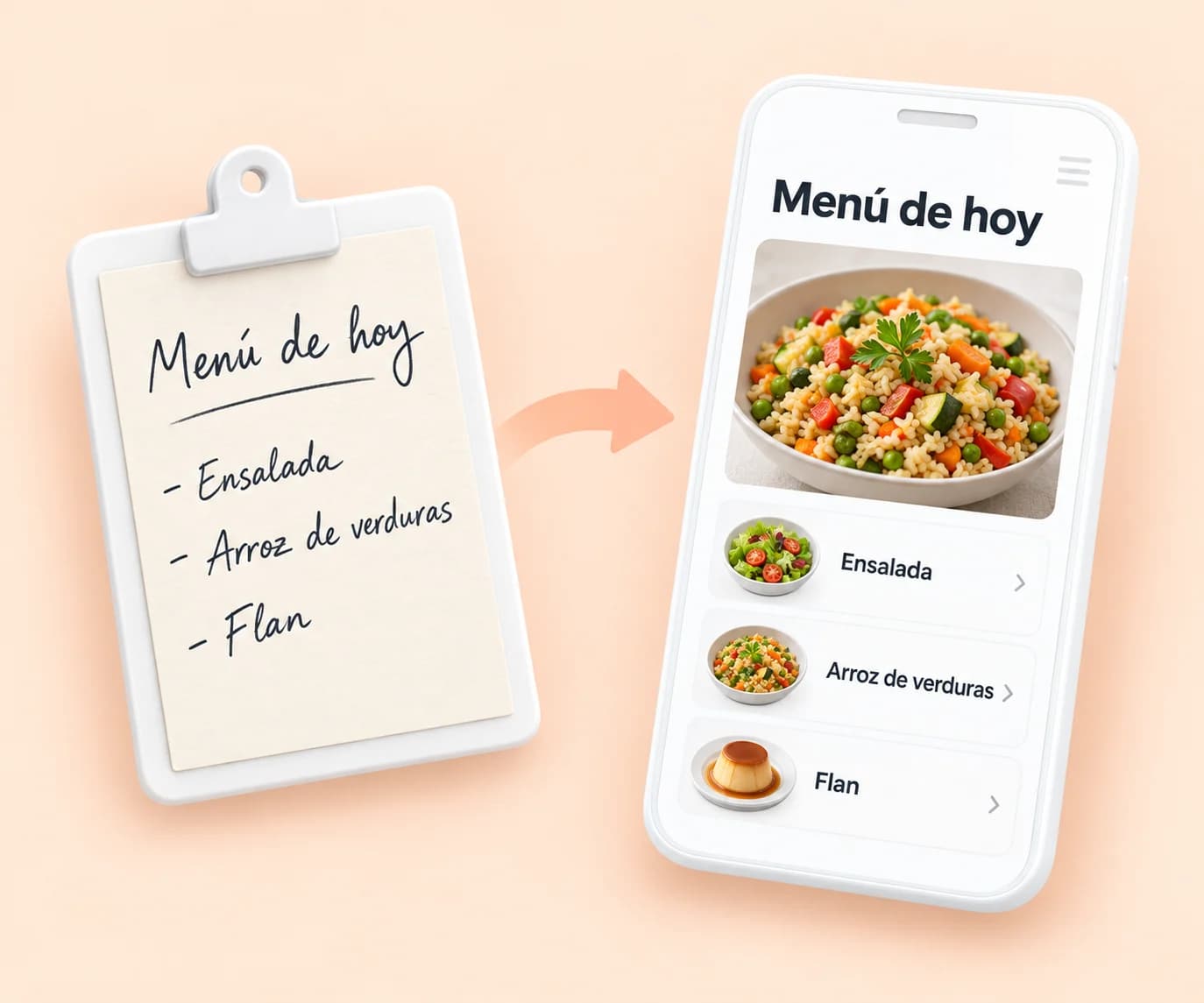
Publishing the menu on an accessible page lets people check it before coming by. Include the date, the price and the conditions, and check that the link leads to today’s version. Afterwards you can see which enquiries come in and how much work it takes to maintain on each channel.
Rako, of El 9 Suprem in Figueres, summed it up like this: "With a single photo we have it uploaded and translated so that everyone has access to it". Before, tourists didn’t come in because they didn’t know what was being served. Now they see the menu before they come in.
How Menuveo does it
El 9 Suprem and La Fábrica, two daily set menu restaurants in Figueres, have their daily set menu published every morning on their Google listing from Menuveo: they start from a photo, review it, and the same menu goes out translated on the website and the QR.
| Before: chalkboard and little else | After: published every day | |
|---|---|---|
| Minutes a day | Zero, or 20 to 40 if you try by hand and give up | The time it takes to take the photo and review it |
| Who sees it | Whoever walks past the door | Whoever searches on Google, on the website, on the QR and in the directory |
| Languages | Only the one on the chalkboard | As many as your area needs; ten with Menuveo |
| Date and price | On the chalkboard, with no date | With today’s date and the price as text |
| Allergens | Hardly ever | Per dish, every day |
| Listing with no menu or with an old one | The day’s update published before 12:00 | |
| Tourist at the door | Looks at the chalkboard, doesn’t understand it, keeps walking | Reads the menu in their own language on their phone and comes in |
| When the menu changes | Rub out and rewrite | Another photo |
How to photograph the chalkboard so it can be read
If the menu is published from a photo, the photo decides everything. Stand square on, a metre away, with the phone straight, so the chalkboard fills the whole screen, with no direct sunlight or reflections. Write the chalkboard knowing it is going to be read: one line per dish, price at the end, no abbreviations.
Prepare the photo and confirm the menu in good time before service. Check the dishes, prices and supplements extracted from the image before publishing. The update on your website and its appearance on Google may take different amounts of time; opening at lunchtime doesn’t guarantee that a last-minute change is already visible on every channel.
How to publish it on Google Business Profile by hand
Google has two places for the menu: the "Menu" tab, for the fixed menu, and posts of the "Update" type, which appear on the listing. The daily set menu goes in an update, because it changes every day. It takes between five and ten minutes if you have the text ready.
- Go to your Business Profile, tap "Posts", then "Add post" and choose "Update".
- Write out the full menu: date, first courses, second courses, dessert, price and what it includes.
- Add a real photo of the dish of the day or a well-taken one of the chalkboard.
- Add an action button with a link: to book or to your menu.
- Publish before 12:00. Google only archives posts older than six months, so yesterday’s is still visible: the date in the text is essential.
- Repeat every day. If you can’t one day, better not to publish than to publish yesterday’s without changing the date.
Mistakes that cost you customers
Almost all of them come from starting with enthusiasm and not being able to keep it up. The worst is publishing yesterday’s menu: a customer who comes down for the lentils and finds macaroni won’t trust your listing again.
- Publishing yesterday’s menu, or leaving yesterday’s update with no date.
- A photo of the chalkboard and nothing else: it is hard to read on a phone, it doesn’t get translated and it can’t be copied.
- A different set menu price on Google, on the website and on the chalkboard.
- A menu published at 13:30, when people have already decided.
- Publishing only on Instagram, where only people who already know you see you.
- Abbreviated dishes: "1st soup / 2nd meat".
- No allergens, when they are mandatory on the daily set menu too.
- Starting strong and giving up after two weeks, leaving a month-old menu on Google.
Measuring whether it works
In your Business Profile performance, look at the search terms you appear for, which Google updates at the start of each month: if "menú del día" and "menú del día [your neighbourhood]" go up, it is going well. Look too at direction requests and menu clicks, and compare them with the previous month.
The most reliable method is still to ask in the dining room for a whole week: "how did you find us?". Note how many answer "I saw the menu on my phone".
Note down too when the menu was published and when a dish sold out. If you receive enquiries about an option that is no longer being served, the problem may lie in the updating, even if page visits have gone up. That incident tells you which part of the process to fix the next day.
Frequently asked questions
From Google Business Profile, under "Add post" of the "Update" type, with date, dishes, price and photo, before 12:00. By hand every day in five or ten minutes, or automated with a tool that publishes it from a photo of the chalkboard.
The usual in Spain is a first course, a second course, dessert or coffee, bread and a drink, for a fixed price. Publish exactly what yours includes.
Yes. Menuveo prepares the menu from a photo of the chalkboard taken in its app and, once you review it, publishes it on Google, your website, the QR and the menuveo.es directory, in ten languages. Other QR menu tools have a daily set menu section that is edited by hand.
That is exactly why it is worth it: it is new information every day and it is what people search for at lunchtime. What isn’t worth it is doing it by hand in five places.
Before 12:00, and better before 11:00. A menu published at half past one arrives when people have already decided.
Yes. It is non-prepacked food that you serve, just like the main menu. In digital form they go with each dish; if you give the information verbally, RD 126/2015 requires you to have it recorded in writing or in electronic format on the premises.
It is useful for those who already follow you. It doesn’t reach someone searching "menú del día cerca de mí" (daily set menu near me) on Google at 12:00.