
Google Maps and reviews
Your restaurant on Google Maps: from a complete profile to a booking
A profile can attract views and still lose customers through incorrect hours, an old menu or a broken booking link. This guide covers the setup, maintenance and checks a restaurant needs.
 Pau Coderch10 min read
In this article
In 30 seconds
- Review your profile as someone looking for a table. Check today’s hours, menu dishes and prices, photos and the booking journey. Filling in every field is not enough if the published information is out of date.
- Secure access before delegating. The restaurant should retain ownership of its profile and give individual access to anyone managing it. If a profile already exists, recover access before creating another one.
- Separate maintenance from results. Updating a menu prevents confusion; it does not guarantee a higher map position. Compare profile interactions with the enquiries and bookings the restaurant receives.
What customers decide when they open your Google Maps profile
When someone looks for somewhere to eat nearby, Google Maps lets them compare places by location, photos, reviews, opening hours and food. Your profile should answer those questions and make the next step easy: viewing the menu, getting directions, calling or booking.
Google ranks those results by relevance, distance and prominence. Prominence is how well known the venue is: reviews, ratings and websites that talk about you. This guide follows the order in which the work is done: prepare the account, add, verify, set up and maintain.
Before you start: the account and who has access
Create the listing with a Google account that belongs to the business, not the personal one of a waiter who will leave in the summer. It can use the restaurant’s email address; Gmail is not required. Turn on two-step verification, as Google recommends.
If someone else is going to work on the listing, add them as a manager instead of sharing the password. Owners can transfer the listing, so keep that role for yourself or your business partner. When someone leaves the restaurant, remove their access that day.
Be wary of anyone who phones claiming to be from Google and offers to improve your listing for money. Business Profile is free, and Google will never ask you for a one-time code or a payment to verify or maintain the listing.
Adding the restaurant to Google Maps step by step
Before you create anything, search for your venue on Maps: there may already be a listing created by Google or by a customer. If there is, do not create another. Google only allows one profile per business and hides the one it considers a duplicate.
The name has to be the one on your sign, the way customers know you. Google can suspend the listing if you add slogans, the neighbourhood or what you serve to the name.
- Search for the venue on Maps. If there is already a pin, press "Claim this business" and then "Manage now".
- If you see "This Business Profile might be managed by someone else", press "Request access". The current owner has 3 days to respond.
- If there is no pin, go to business.google.com/add and press "Add your business to Google".
- Real name, specific category and exact address with the street number.
- A phone number the venue controls, the one that gets answered during service.
- Website if you have one. If not, leave it empty: Google does not accept a social media page in its place.
Verifying the listing: video, phone or postcard
A business can appear on Google Maps even if its owner has not claimed the profile. Verification lets you manage its information and access the features available for that profile. Google determines which verification methods it offers; follow the options shown in your account.
The video is recorded live from your phone, inside the listing: a single continuous take, unedited and at least 30 seconds long. The name visible on the sign has to match the one on the listing. It has to show this:
- Where you are: the street sign, the street number or the businesses next door.
- That the venue exists: the front with its permanent sign, and the inside.
- That you run it: the kitchen, the till, the storeroom or the TPV (the point-of-sale system).
- No faces of customers or employees, and no bank or tax details.
- Review: up to 5 working days. By postcard, most codes arrive within 14 days and expire after 30; while you wait, do not change the name, address or category.
Setting up the details that always have to be up to date
The primary category is the most important decision: Google asks for the most specific one that describes your main activity. Plain "Restaurant" puts you in competition with everyone; your type of cuisine or venue is better. You can add up to 9 more, only the ones that are true and never as keywords.
For the main opening hours, Google asks for the period when customers can sit down to eat. Takeaway or delivery go in the full hours, and public holidays in special hours. The description allows up to 750 characters, with no links or promotions: what you cook, in which neighbourhood and which dishes.
| Field | What to put | Common mistake |
|---|---|---|
| Primary category | The most specific one that describes you | Plain "Restaurant" |
| Additional categories | Up to 9, all true | None, or used as keywords |
| Opening hours | Sit-down dining hours, with public holidays in special hours | The ones from opening day, never touched |
| Phone | One the venue controls; two more are allowed | The previous owner’s personal mobile |
| Website and menu | Your own website and the menu as text | A link to Instagram or to a delivery platform |
| Description | Cuisine, neighbourhood, dishes, menú del día | "Quality cooking and a welcoming atmosphere" |
| Attributes | Terrace, bookings, children, accessible, vegan | Empty |
| Bookings | Reserve button with a Google partner | No button or a broken link |
Photos: a weekly rhythm, not once and done
Google includes adding photos and videos among its tips for improving local ranking. A photo shows what you serve better than any description and helps the customer decide before they come.
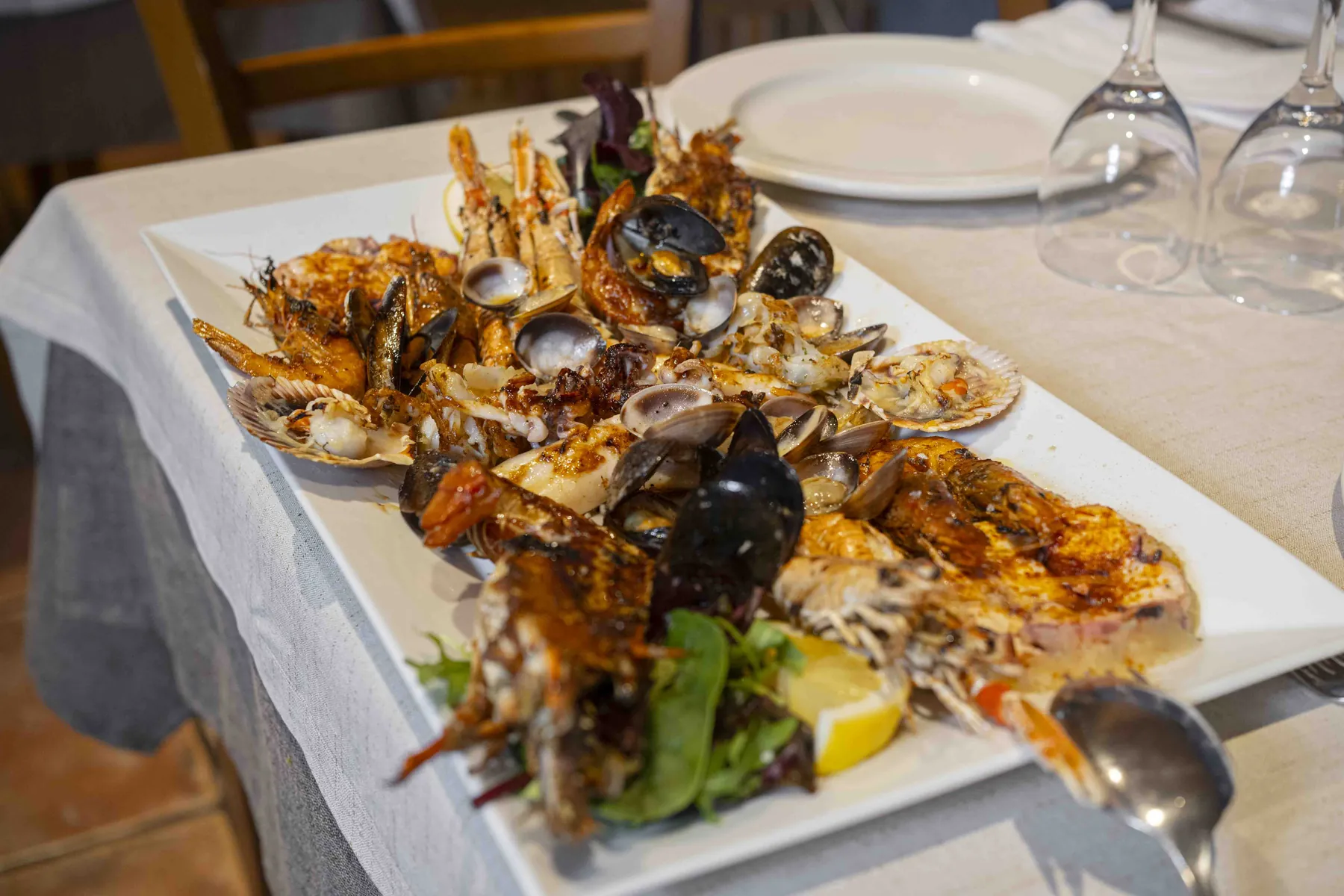
To start with: dishes, dining room, terrace, team and a shopfront people can recognise when they arrive. After that, new photos on a regular basis, in natural light and with no stock images. The guide to photos for Google Maps has the types, the quantities and the rhythm.

The menú del día: the job for every morning
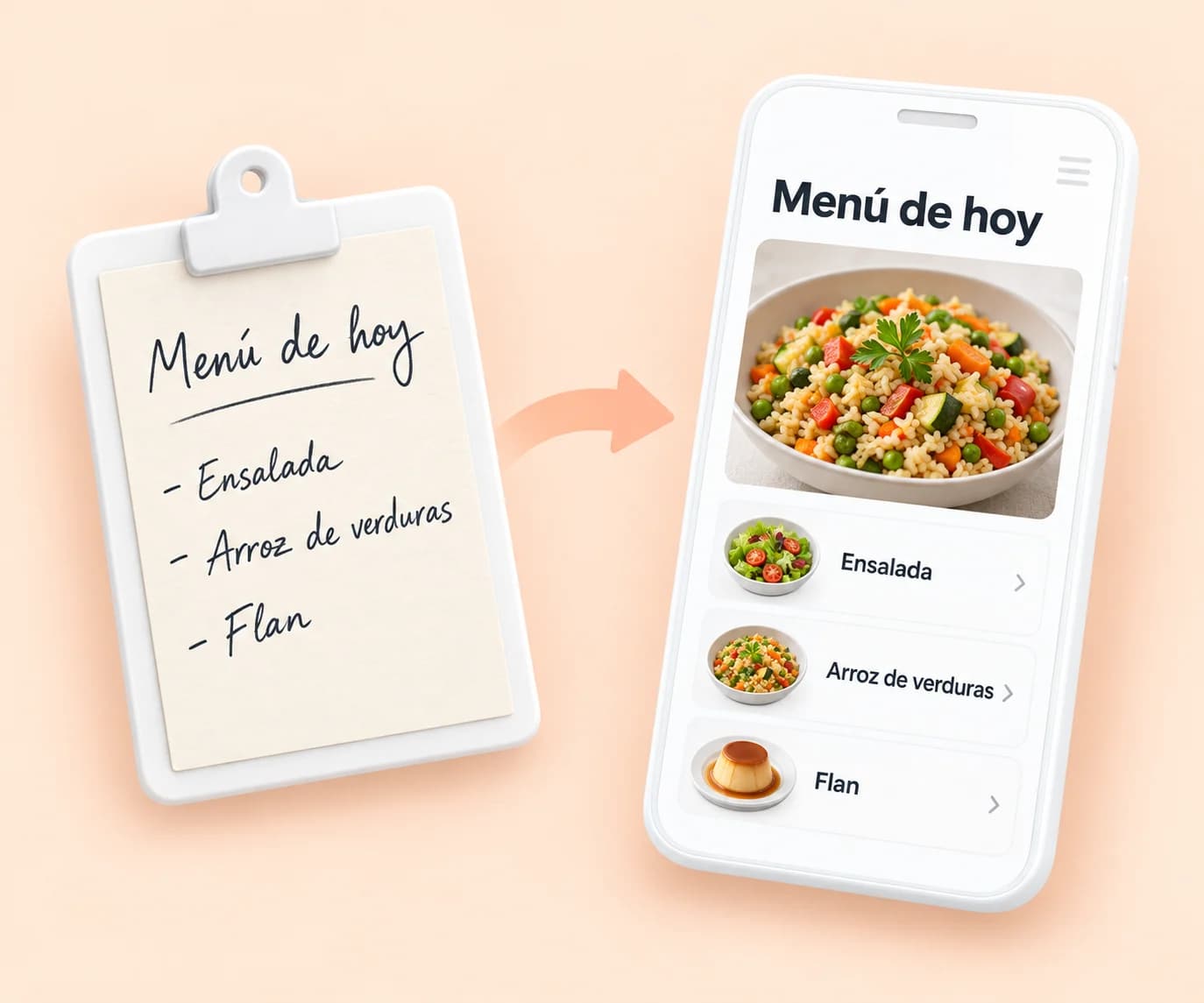
The menú del día changes every day, and updating it by hand on the listing, the website, the table menu and Instagram takes time you do not have at ten in the morning. That is why it is the first thing people stop publishing.
On the listing, its place is a post of the "Update" type: text, photo and a button with a link, visible in the "Updates" tab on Maps. Do not put phone numbers in the text, because Google may reject the post. If you are not going to keep it up by hand, automate it.
How Menuveo does it
With Menuveo you take a photo of the chalkboard and send it by WhatsApp; you check dishes, price and allergens, and the same menu is published on Google Maps, the website and the QR.

Posts: offers, events and the ones that repeat
Besides updates, the listing accepts offers, with a title, dates and a "View offer" button, and events, with a start and end day and time. They work for the Christmas menu, a tasting or the opening of the terrace. Google reviews each post and tells you whether it is live, pending or not approved.
Two features save work: you can schedule a post for another day and make it repeat every week or every month. Posts older than six months are archived if you do not give them a date range, so the fixed ones do not last for ever.
Reviews: the invisible work of every week
Google explains that the number of reviews and positive ratings can help local ranking. It also recommends replying because it shows you value customers’ views. It does not promise a ranking improvement for answering every review or a posting frequency that guarantees moving up.
Ask for them with the link or QR that the listing itself generates, in the bill folder or in a message the next day to whoever booked. Nothing in return: Google treats offering products or discounts for a review as fake engagement. Reply promptly, briefly and signing with your name, as Google advises.
How Menuveo does it
Menuveo alerts you to each review with a draft reply ready to approve from your phone, with the aim of answering all of them in under 24 hours.
The statistics: how to tell whether the listing is working
In "Performance" you see, for the period you choose, how people find you and what they do next. It is only available on verified listings, and Google shows the metrics that apply to your business. The ones that say most about a restaurant:
- Searches: the terms people used to find you. Updated at the start of the month.
- Views: how many people saw the listing in Search and on Maps.
- Directions: how many asked how to get there.
- Calls and website clicks.
- Menus: clicks on your menu, its photos or its link.
- Bookings: the ones that come through a booking provider.
- Note down your figures every month and compare them with the same month of the previous year: August and January are nothing alike.
Maintaining the listing: what to do every day, week and month
Add up everything above and you get a task list that is hard to keep up with the restaurant open. It is easy to start with energy and drop it after two months, and a listing that is not updated ends up with old information.
Make a test booking through the public link and check which calendar receives it. Then cancel it. Repeat the check after changing providers: a button leading to an old page may remain visible even though your team has started using another system.
How Menuveo does it
Menuveo takes care of the tasks in this table and sends you the summary every month in Menuveo Studio. You stay in the kitchen.
| Frequency | Task | Indicative time |
|---|---|---|
| Every day | Publish the menú del día on the listing, website and menu | 15-20 min by hand |
| Every day | Read and reply to new reviews | 10-30 min depending on volume |
| Every week | Upload one or two new photos | 15 min |
| Every week | One post (dish, terrace, event) | 10 min |
| Every week | Check whether Google has changed any details (shown in blue in the editor) | 5 min |
| Every month | Audit categories, opening hours, phone, links | 30 min |
| Every month | Review performance: searches, directions, calls, menu | 20 min |
| Every season | Summer or winter opening hours, public holidays, new menu | 30 min |
The three realistic options for a small restaurant
You can manage the profile within the restaurant, delegate it to an agency or hire a specialist service. Compare tasks, frequency and responsibility: who updates holiday hours, publishes menus, checks links and answers reviews. Someone should be able to take over when the usual person is away.
The third option is a service built for this. Menuveo maintains the listing, uploads photos, prepares the replies to reviews and publishes the menú del día from a photo. Public price: from €59.99/month + VAT, no lock-in.
Frequently asked questions
Search for your venue on Maps: if it exists, claim it; if not, create it at business.google.com/add. Verify it with the method Google offers you and complete the category, opening hours and photos.
Google states that a new business can take up to a month to appear in the results, and it does not publish timescales for moving up.
Yes. Google does not charge you to create or manage a Business Profile. You need time to review details, photos, reviews and links, or an agreement covering those tasks with whoever manages the profile.
You stop doing something Google recommends for standing out. And the customer who reads unanswered reviews assumes you do not care about their opinion.
Initial optimisation, listing maintenance, photos, replies to reviews and publishing the menú del día from a photo. Public price: from €59.99/month + VAT, no lock-in.
You give us access to the listing, we review it and get it into shape. After that you only let us know when something changes.