
Menu and daily menu
A QR menu for your restaurant: what it needs and what it costs to maintain
The QR code will still be on the table when a price changes, a dish sells out or a guest does not speak Spanish. This guide helps you choose a menu you can maintain during service, calculate costs and identify the work your team will still need to do.
 Pau Coderch8 min read
In this article
In 30 seconds
- A menu needs someone responsible for it, as well as a QR code. Decide who changes prices, hides sold-out dishes and checks languages and allergens. If a change reaches the kitchen but not the menu, customers will see old information.
- Test the tasks you will do during service. Change a price, hide a dish and open the menu on another phone. Check what happens to printed QR codes if you switch providers or stop paying.
- Compare the full first-year cost. Add setup, subscriptions, languages, support and printing when charged separately. Get written confirmation of what you can edit yourself and which changes the provider must make.
Features you have to demand
Ask for a test with your own menu. Make these four changes from your phone before deciding whether the tool fits your service.
- Prices and availabilityChange a price and hide a sold-out dish without generating a new QR code.
- Allergens and languagesCheck a dish’s allergens and correct a translation.
- Daily set menuUpdate the daily set menu, including its date and price, without rebuilding the main menu.
- Control of your dataExport the data and find out what happens to the link and QR code if you change provider.
Languages and allergens: two topics with their own guide
On languages: switch on English as a minimum and check the 20 most ordered dishes. The rule is name in the original and description translated. On allergens: it is mandatory to give information on the 14 allergens in everything you serve, daily set menu included. RD 126/2015 (Real Decreto 126/2015, Spain’s rules on food information for non-prepacked food) allows you to do it verbally if the information is recorded in writing or in electronic format on the premises; in a digital menu they go on each dish with an icon and a word. Each topic has its own guide in this same cluster.
If the kitchen changes an ingredient, that update needs to reach every version of the menu. Define who checks the recipe, who edits the published information and who confirms the change to front-of-house staff. Translating an old description faster only spreads the error to more languages.
The physical QR code: where to put it and how to print it
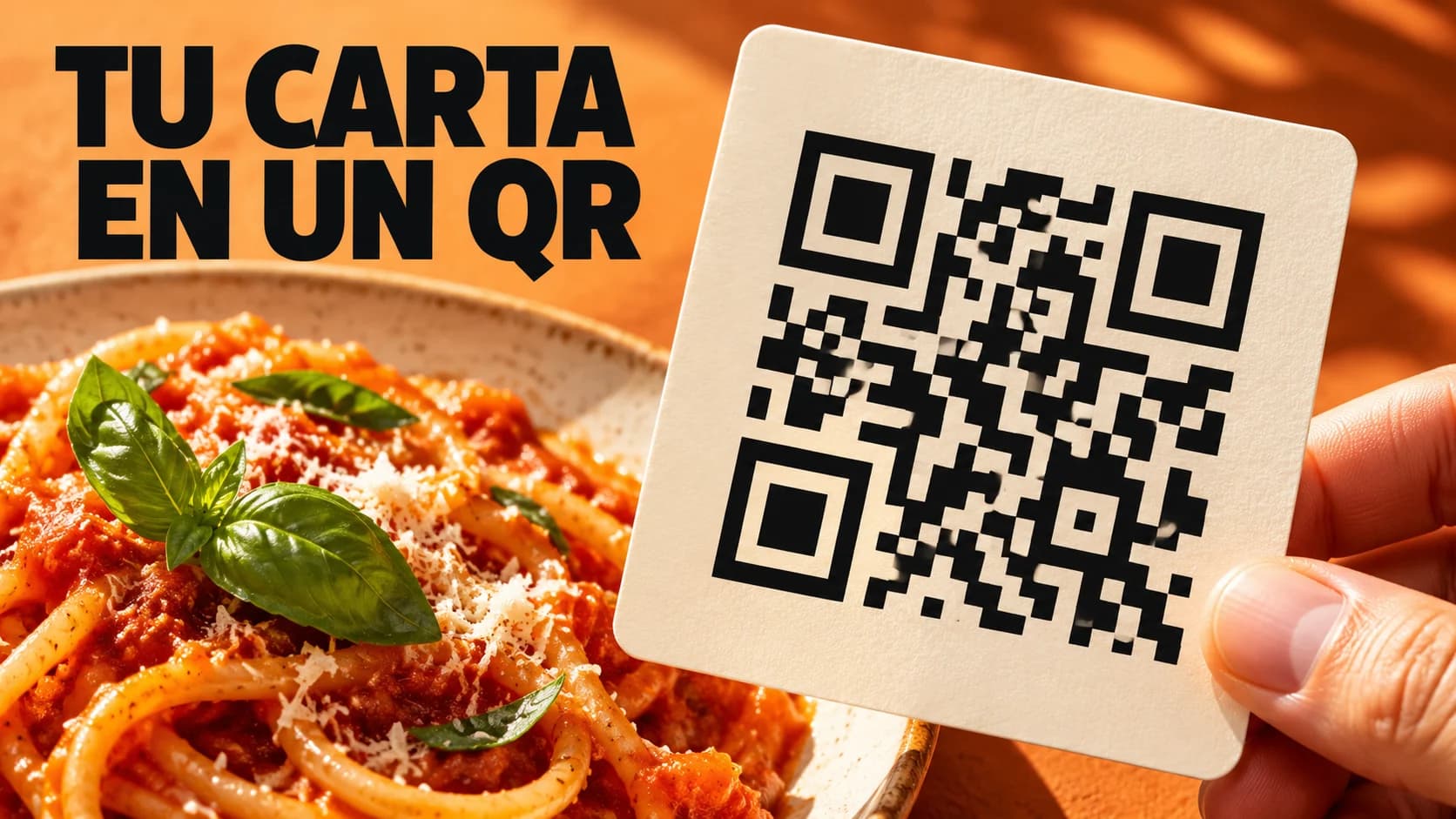
Point the QR code at an address you can maintain. If you use a provider’s redirect, ask what happens when you cancel and whether you can change its destination. Print a sample with good contrast and a clear margin; test it on several phones under the lighting and at the distance customers will use at the table.
Put it where people see it when they sit down, with a line underneath: "Scan to see the menu in your language". Keep a paper menu too for anyone who prefers it, and make sure the two say the same.
What to ask the provider before you sign up
Ask for written answers and a demonstration using a real menu. These answers help you compare the service as well as the fee.
- Who loads and checks the initial menu? Who confirms allergens and translations?
- Which changes can I make and which does your team handle? What does support include?
- What will I pay in year one, including setup, languages, locations and taxes?
- How is the menu published on Google and who checks for old versions?
- Can I export the menu? What happens to the URL and QR codes when the contract ends?
Frequently asked questions
You can publish a menu on free hosting and generate a QR code pointing to its URL. Check the service terms; content, checking and printing remain the restaurant’s work.
First publish the menu at a URL. Then generate the QR code with any free generator pointing to that URL, print it at a minimum of 3 centimetres and test it with two phones.
No. The 2020 measures that asked venues to avoid shared menus are no longer in force. What is mandatory is to give allergen information, with the information recorded on the premises.
It doesn’t have to. Many restaurants have both. What matters is that they say the same and that the paper one is reprinted when prices change.
Change its availability in the editor and check the published menu. If Google has another menu in your listing, review that too: its changes may not be immediate.
If it is a web page with text, Google crawls it and can transcribe the dishes to your listing. If it is a PDF or a photo, it accepts the link, and you can generate the menu with its AI (an experimental feature) and review it.
Ask beforehand whether you can export the menu and whether the URL is yours. If the QR code points to a domain owned by the provider, you will have to reprint the codes when you leave.