
Bookings
Digital bookings diary for restaurants: from the notebook to a single diary for the dining room
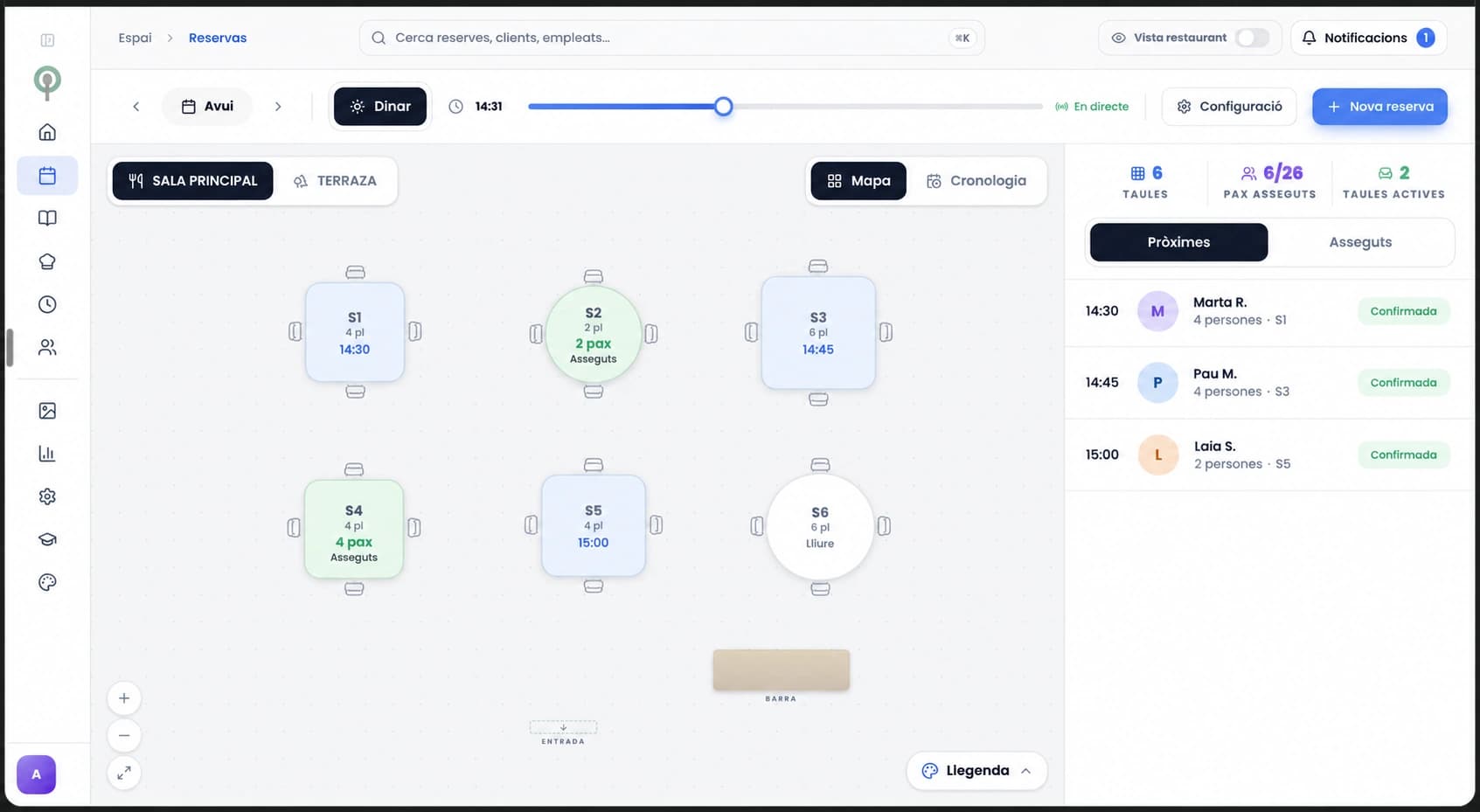
The notebook works until bookings arrive from three places at once: the phone, Google and the website. A digital bookings diary brings them together in a single view. See what it should have, what it costs and how to make the switch in a quiet week.
 Isaac Lacosta5 min read
In this article
In 30 seconds
- It is the notebook, but shared and connected. Every booking by sitting and table on one screen, whoever writes it down and whether it comes in by phone, through Google or through the website.
- The price runs from €0 to around €300 a month. There are free plans with a cap on bookings and paid plans with a flat fee. What to avoid if you already have a customer base is paying for each diner.
- The switch is made with the future bookings already in. Move them to the new diary before changing the Google button and the website, and work for a week with both at once.
What a digital bookings diary is
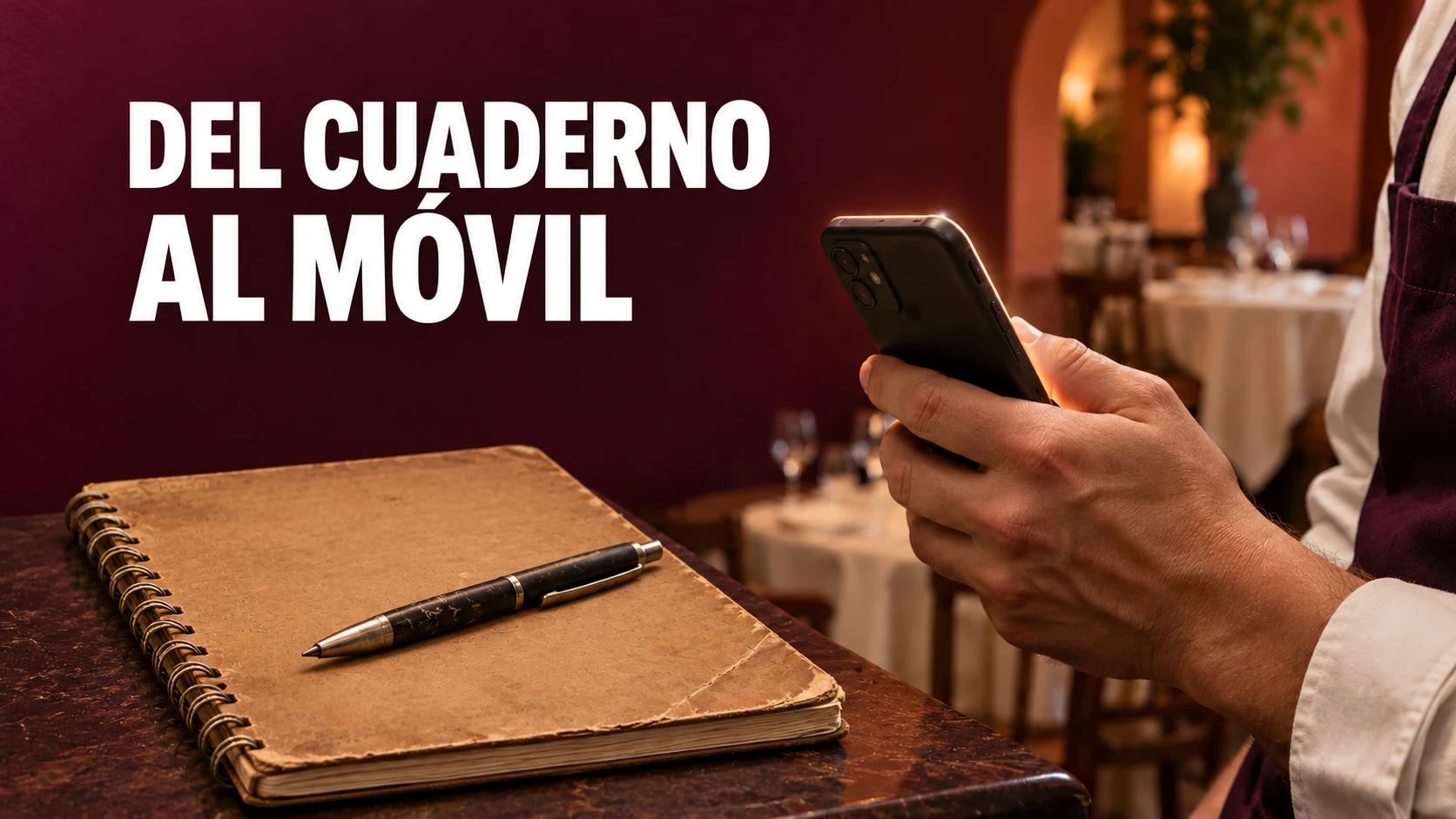
It replaces the notebook kept at the bar: an app holding every booking, ordered by day, sitting and table. The difference from paper is that the whole team sees it at once and online bookings come in on their own.
It is not the same as a booking portal. A portal is a shop window where new customers look for you and for which you pay a commission per diner. The diary is your front-of-house tool: it organises the bookings that already reach you through your own channels.
Notebook or digital diary: what changes during service
The notebook doesn’t fail because it is made of paper. It fails when two people write in it at the same time, when someone books online at eleven at night or when you need to know how many tables are left for Saturday without counting by hand.
| Situation | Notebook | Digital diary |
|---|---|---|
| Booking outside opening hours | It is lost or waits until tomorrow | It comes in on its own from Google or the website |
| Two people writing bookings down | Risk of a double-booked table | A single availability for everyone |
| Knowing what is still free | Counting by hand | Shown by sitting and capacity |
| Phone booking | It is written down | It is written down in the same diary |
| Customer history | In the team’s memory | Saved with each booking |
| If it gets wet or lost | There is no copy | It is saved and can be exported |
What it needs to have
Features vary a lot from one program to another. For an independent bar or restaurant, these are the ones that really get used every day.
- Online bookings from your Google listing and from your website, without going through a portal.
- Phone bookings entered by hand in the same diary.
- Configurable sittings, capacity and table duration.
- A view of the day that can be read at a glance on a phone or tablet.
- The customer’s details saved with their booking.
- Export of bookings and customers, so you can leave without losing anything.
How much it costs
The prices published by booking systems in Spain range from free plans with limits to fees of around €300 a month, excluding VAT, as of October 2026. Free plans usually limit the bookings or diners per month.
Look at three things besides the fee: whether it charges per diner or per booking, whether there is a set-up fee and whether there is a minimum term. A flat-fee system costs the same whether 100 bookings come in or 400.
Booking portals work differently: they charge the restaurant for each diner who arrives through their app. They can sit alongside your diary; what you want to avoid is paying commission for customers who were already searching for you by name.
How to move on from the notebook without losing bookings
The switch feels daunting because the notebook holds the bookings for the coming weeks. It is done in five steps, ideally in a quiet week.
- Set up the dining room: sittings, capacity and how long a table lasts.
- Move all the future bookings from the notebook to the new diary.
- Make a test booking from Google and another from the website, and cancel one.
- Work for a week with both at once: anything new is written only in the digital one.
- Change the Google button and the website link, and put the notebook away.
Customer details are personal data too
A name and a phone number are personal data, whether they are in a notebook or in an app. Keep only what you need for the booking and ask permission before using that contact to send news.
Before signing up, ask where the data is stored and how you export it. The customer database is yours: you must be able to take it with you.
Frequently asked questions
An app that replaces the notebook: it gathers every booking by day, sitting and table, the whole team sees it at once and the bookings that arrive through Google and the website come in on their own.
According to the prices published by booking systems in Spain, from free plans with limits to around €300 a month. At Menuveo, bookings are in the Pro plan, from €59.99/month + VAT, with no commission per diner and no lock-in.
Yes, some providers have a free plan with a cap on bookings or diners per month. Check the cap, whether it includes the Google button and what happens when you go over it.
Yes. You enter them by hand in the same diary, alongside the ones that come in online, so there is a single availability.
No. TheFork is a portal: it gives you visibility in its app and charges commission for the diners who arrive through it. A bookings diary organises the ones that reach you through your own channels. You can use both.
No, if you move the future bookings to the new diary before changing the Google button and the website link. A week with both systems running at once avoids any scares.